The IQ Mobile Self-Service Portal has numerous features that aim to make your experience as an IQ Mobile customer much more streamlined and simple! We are also welcome to feedback - if there are any features you'd like to see, or if there are any issues/bugs you encounter, then please get in contact with our support staff.
My SIMs
When you login to the portal, you'll be taken to your SIMs dashboard:
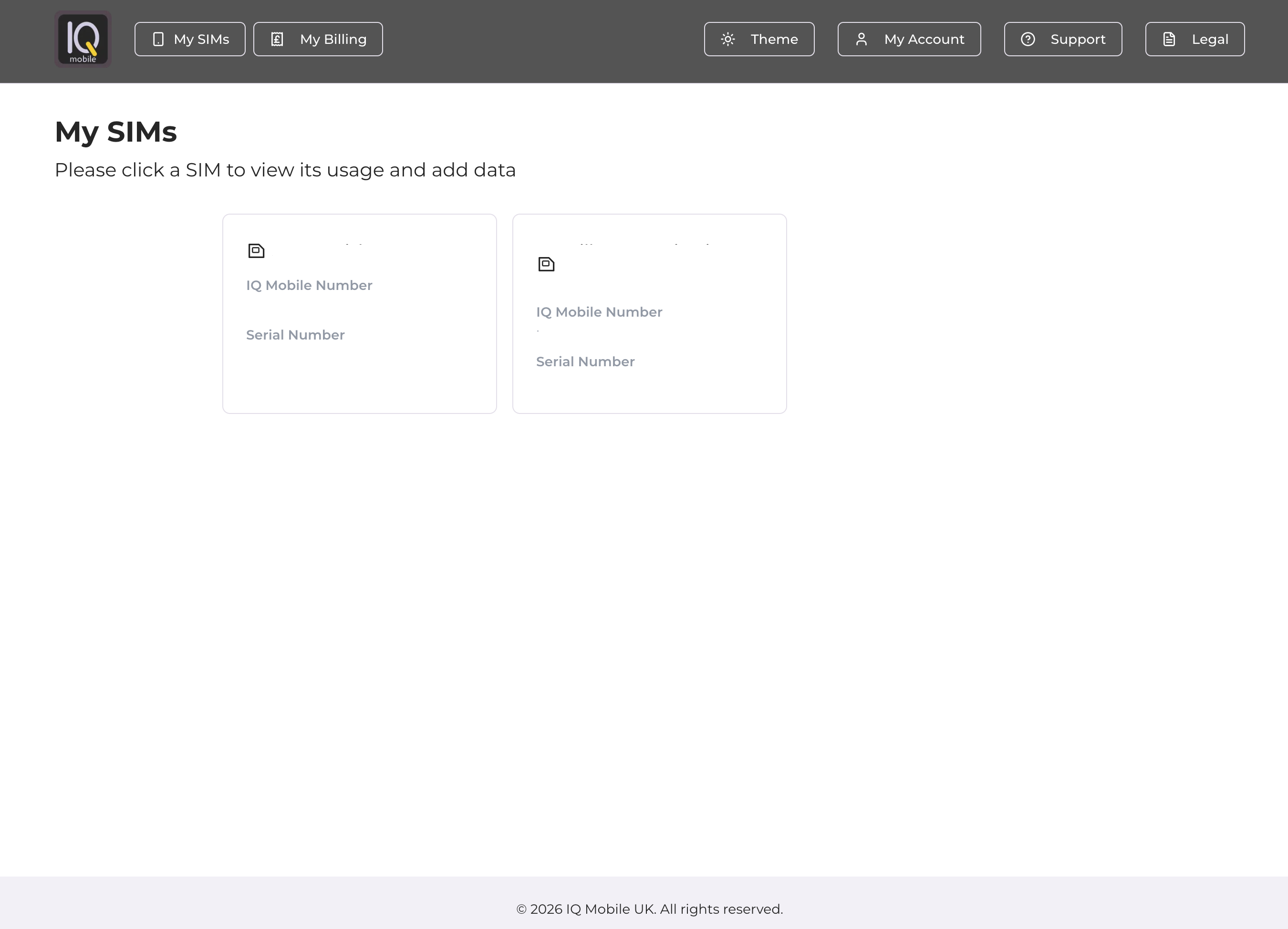
These SIMs are pulled directly from the email used to sign in - if there are any SIMs that you think are missing in your dashboard then please raise a ticket with our support staff. If you ever need to get back to the SIMs dashboard, you can do so by selecting the 'My SIMs' button from the navigation bar along the top of the page.
My Billing
Default payment options and your self-service payment history can be accessed from the 'My Billing' dropdown menu:


Selecting Payment History will show all transactions made under your account in the self-service portal (orders made outside of the portal will not appear here):
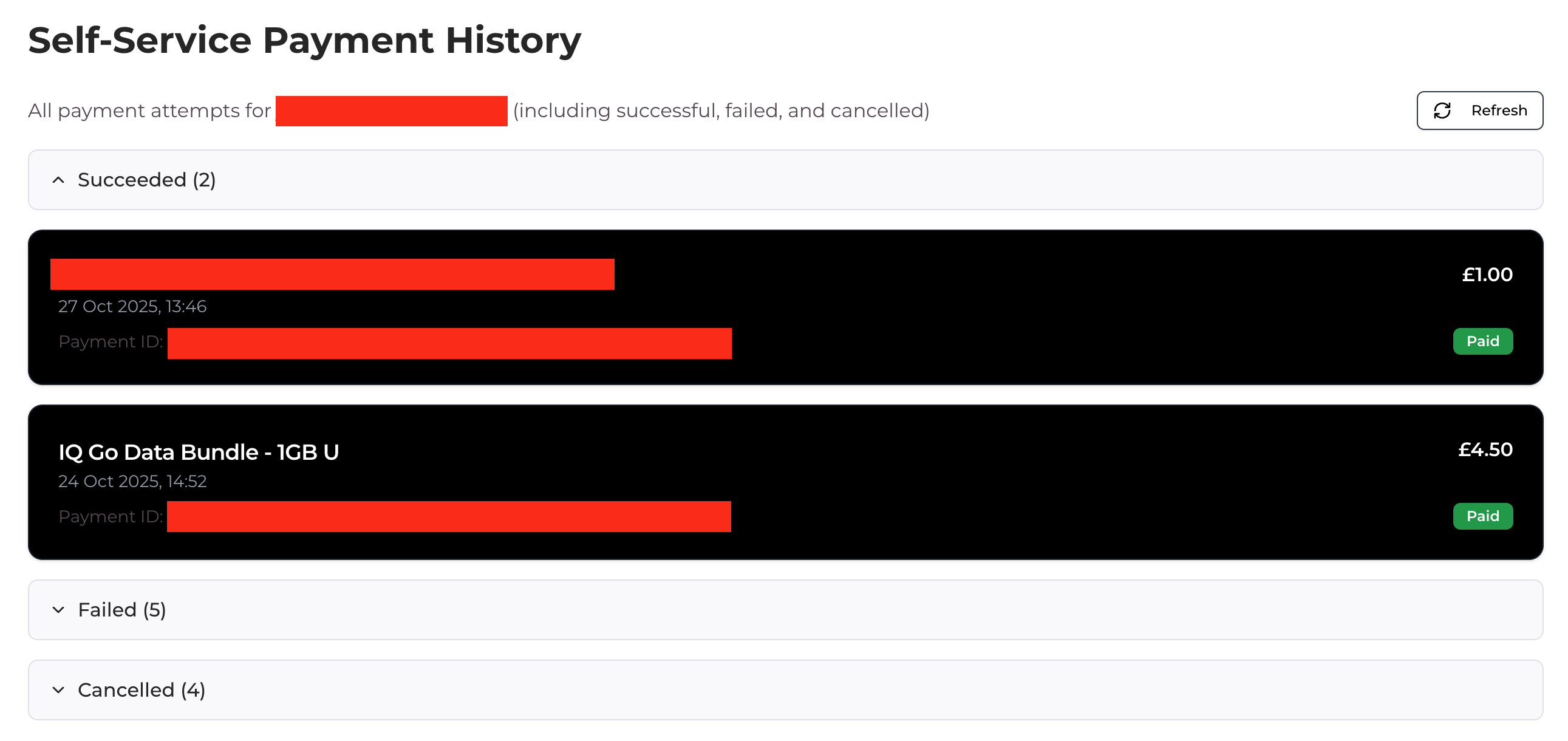
Selecting Payment Methods will show all of your saved payment methods. You can add/delete payment methods here, and you can set a default payment method for topping up here as well:

Theme
You can change your dashboard between light mode, dark mode, and your system's default theme via the Theme dropdown list:


My Account / Logout
To logout of the dashboard, select the My Account button from the top of the dashboard, and select Logout:


Support
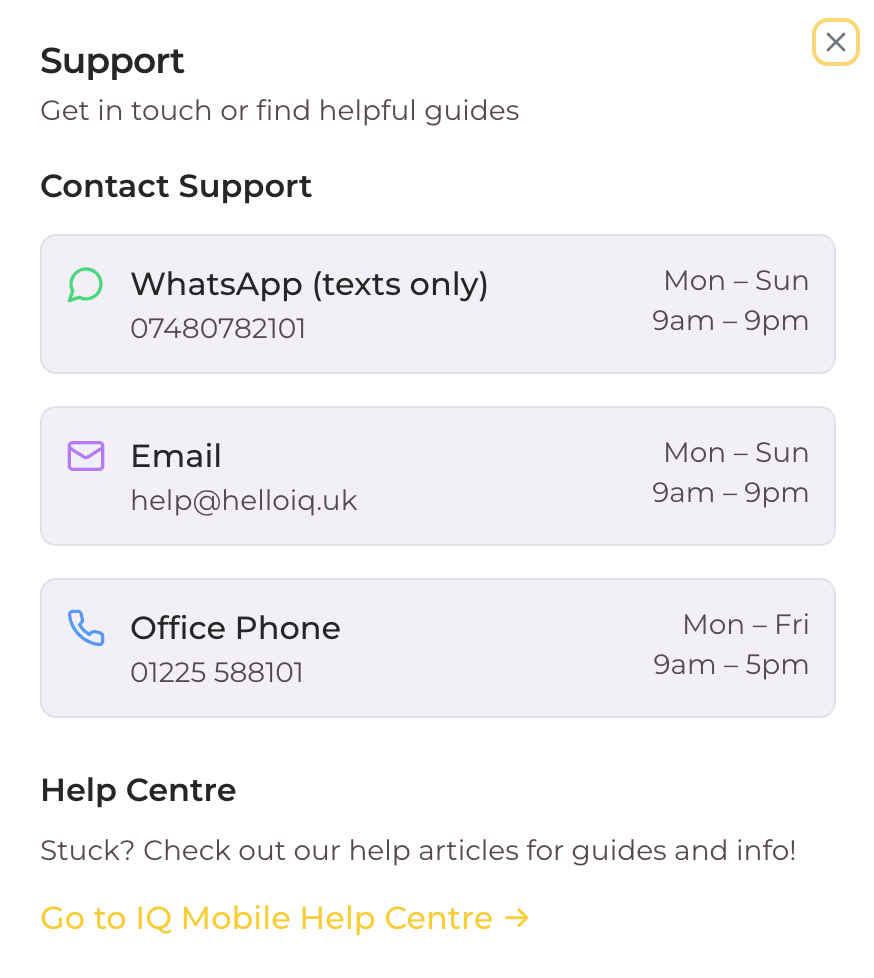
To view our support times and channels, select the Support button from the top of the dashboard:
A pop-up will appear, displaying our WhatsApp, Email and Phone contacts, as well as a link to our Help Centre:
Legal
To view our legal agreements, including Terms of Service, Privacy Policy, Refund Policy, and Fair Usage Policy, select Legal from the top of the dashboard:

This will display a dropdown list with links to the relevant document/policy page:
