Our portal is designed to make managing your usage as easy as possible - see how much you're using on each SIM and top-up when required with just a few clicks!
Purchasing Data
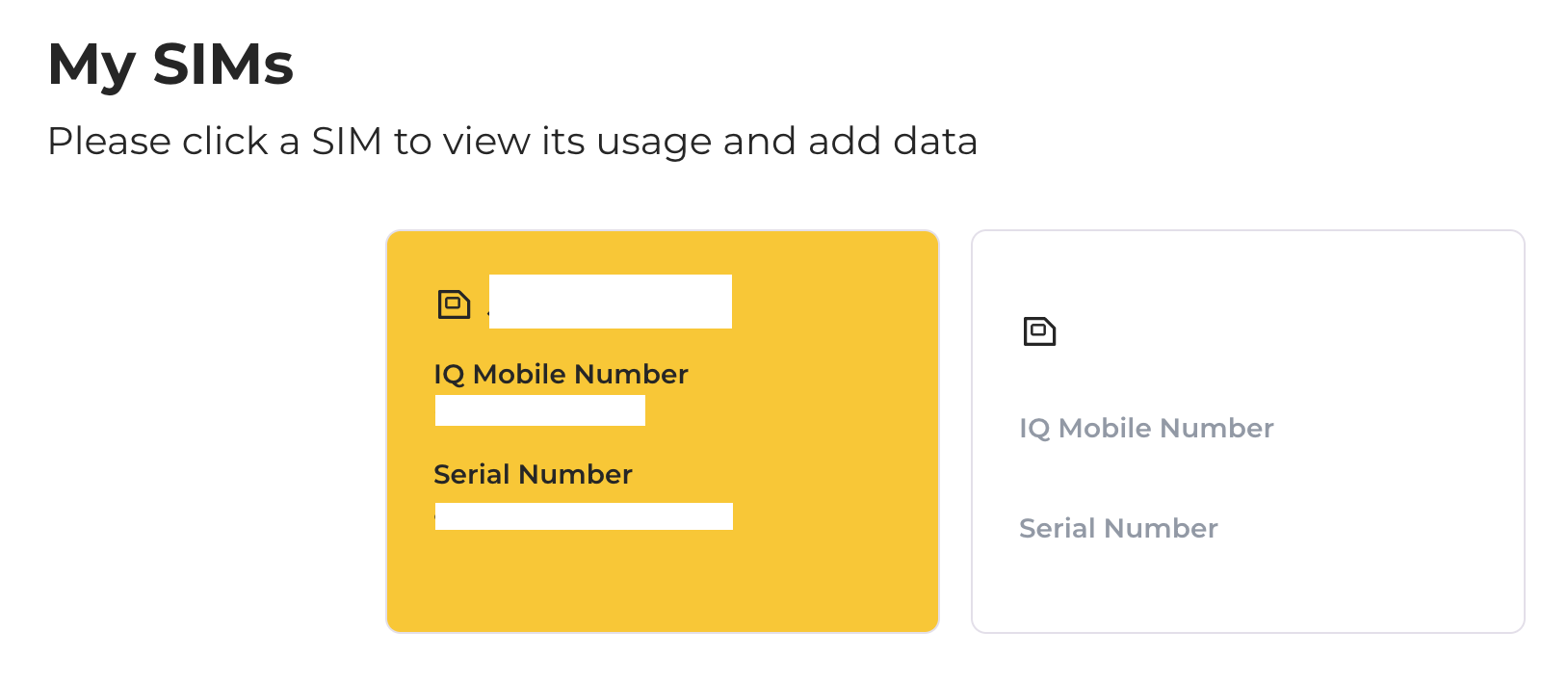
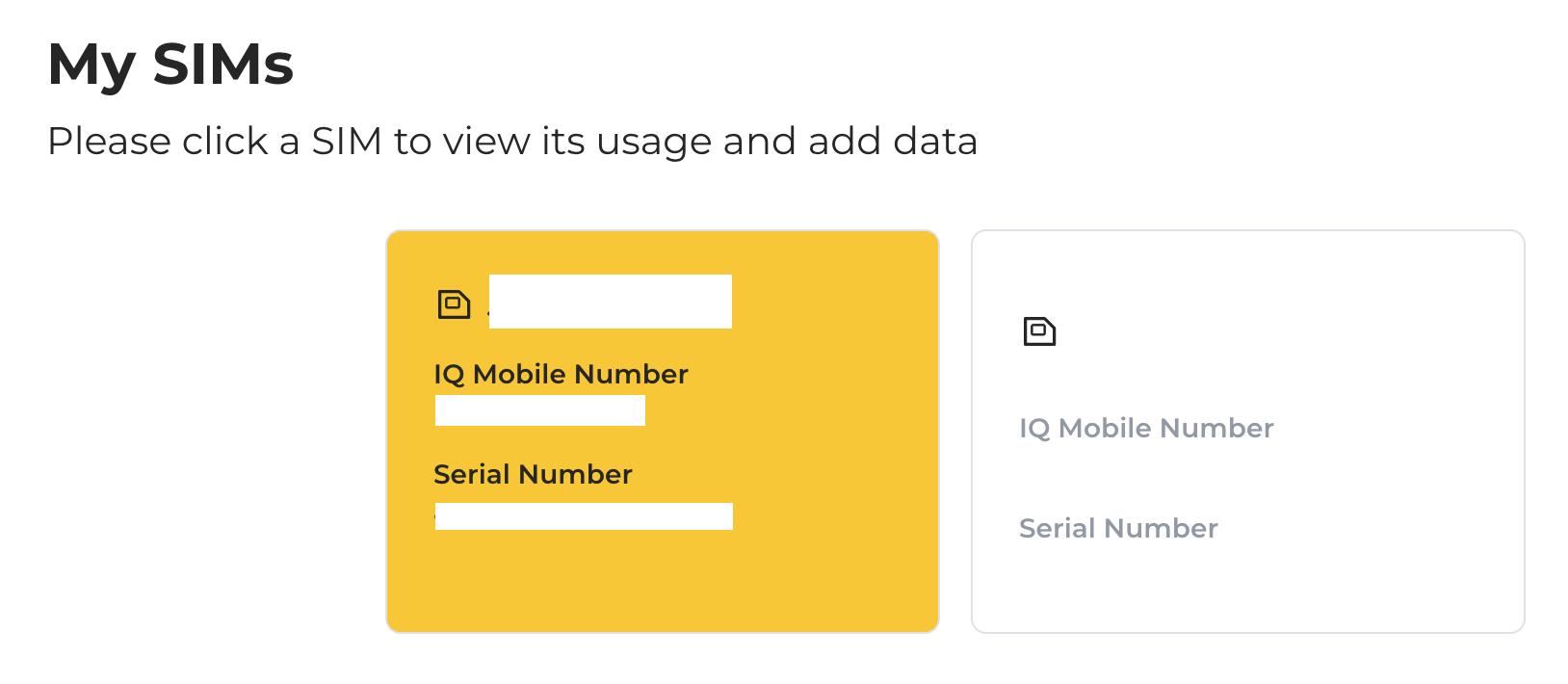
From the My SIMs page, hover the mouse over the SIM you'd like to top-up and click it:
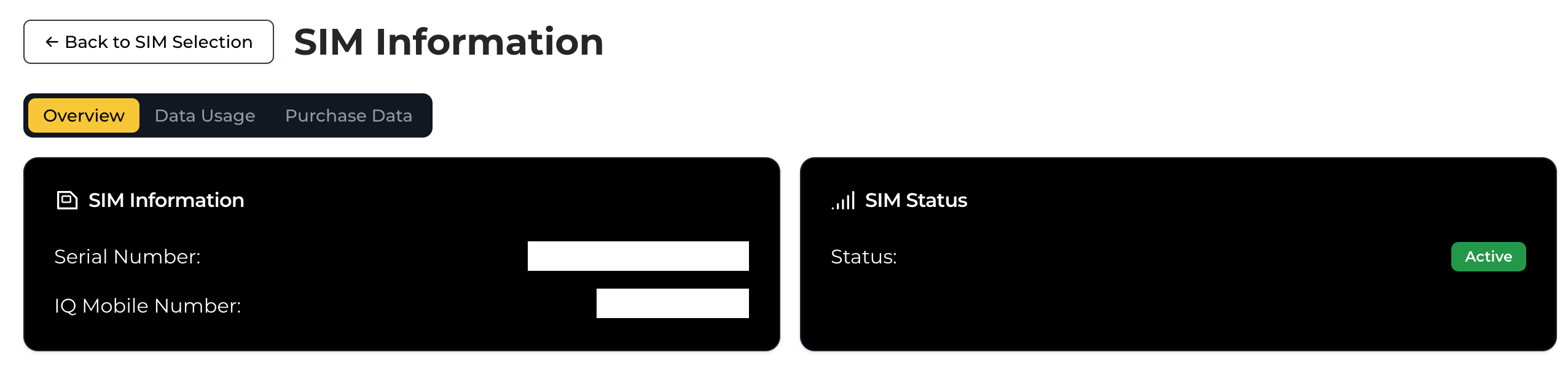
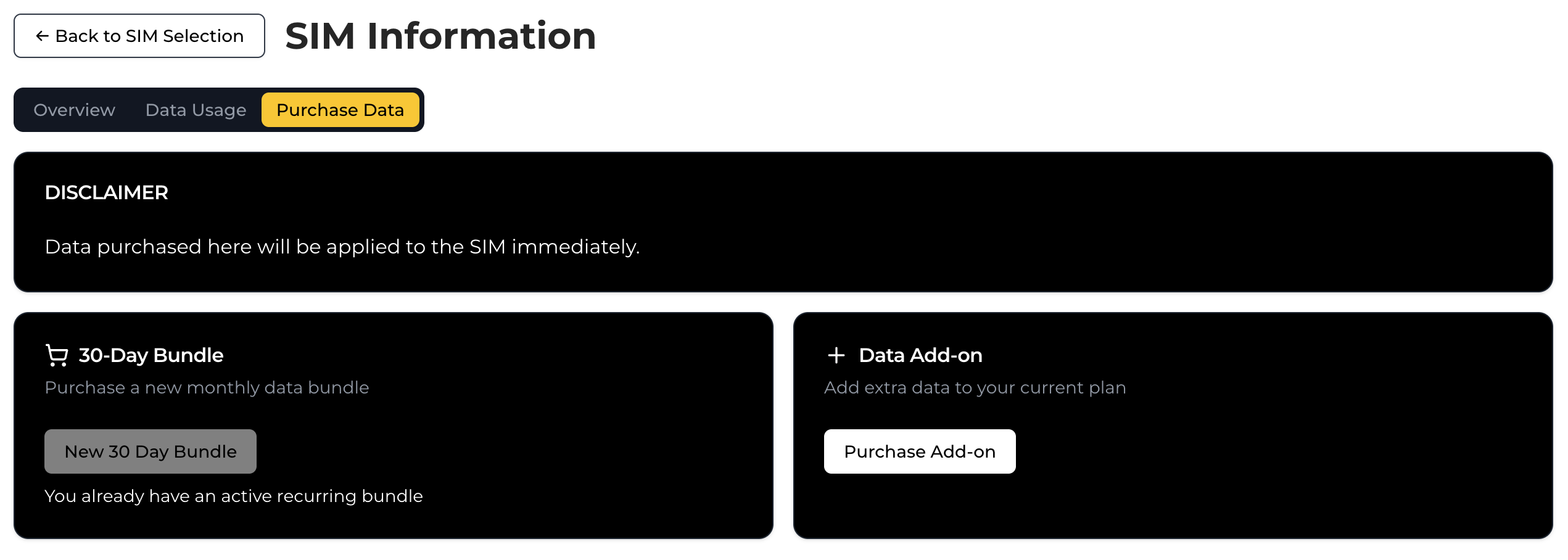
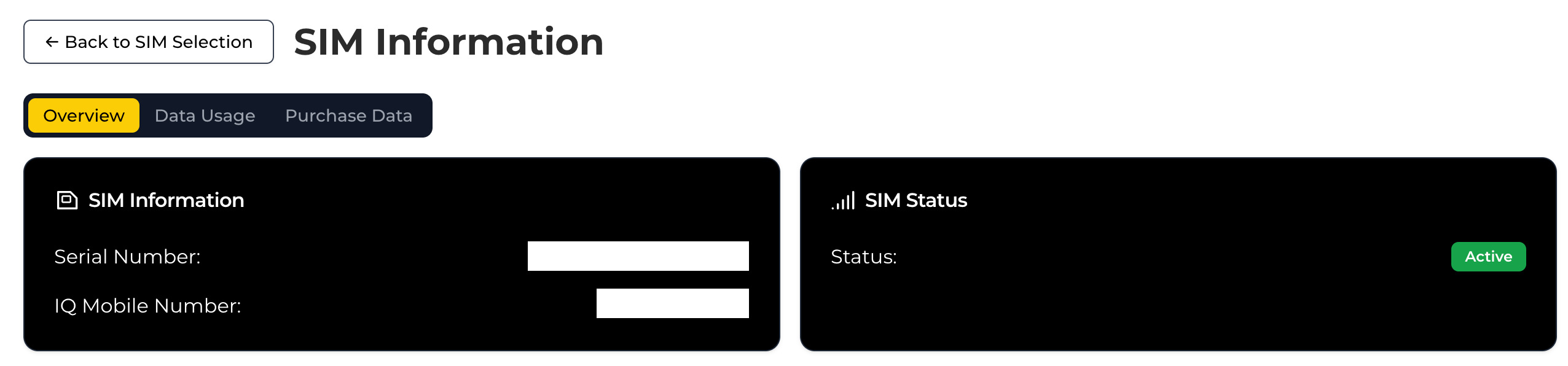
Select Purchase Data from along the top:
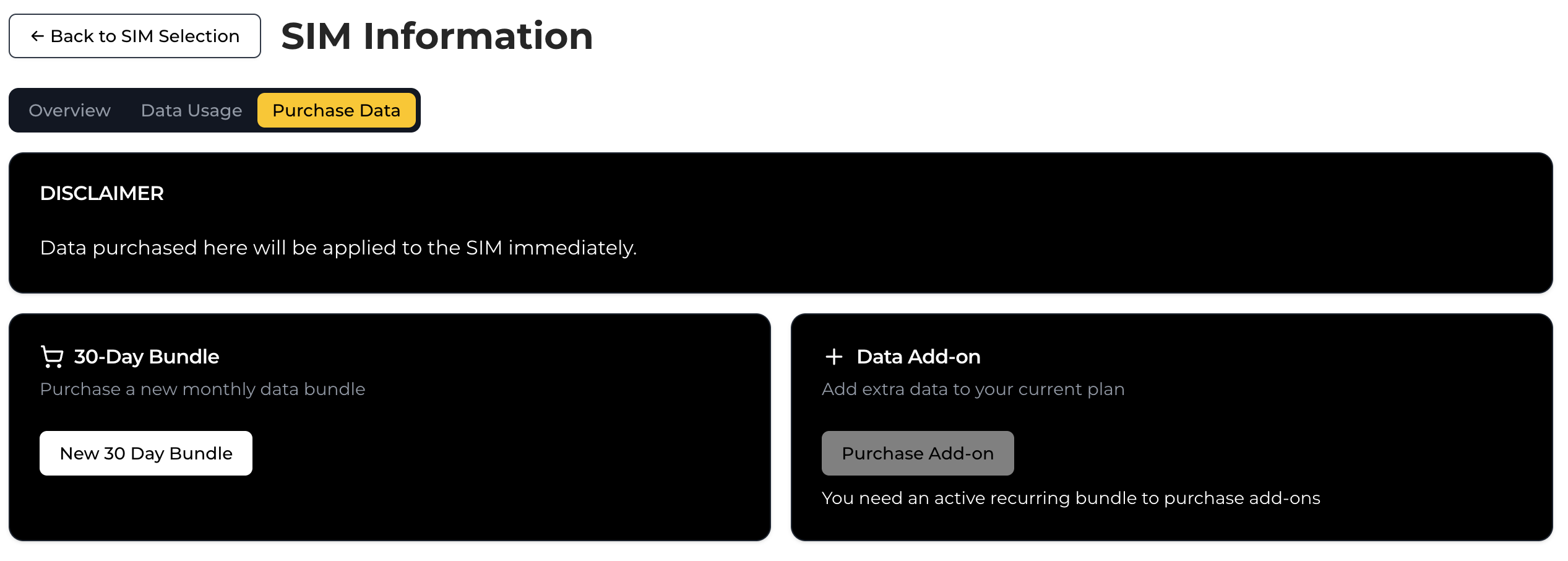
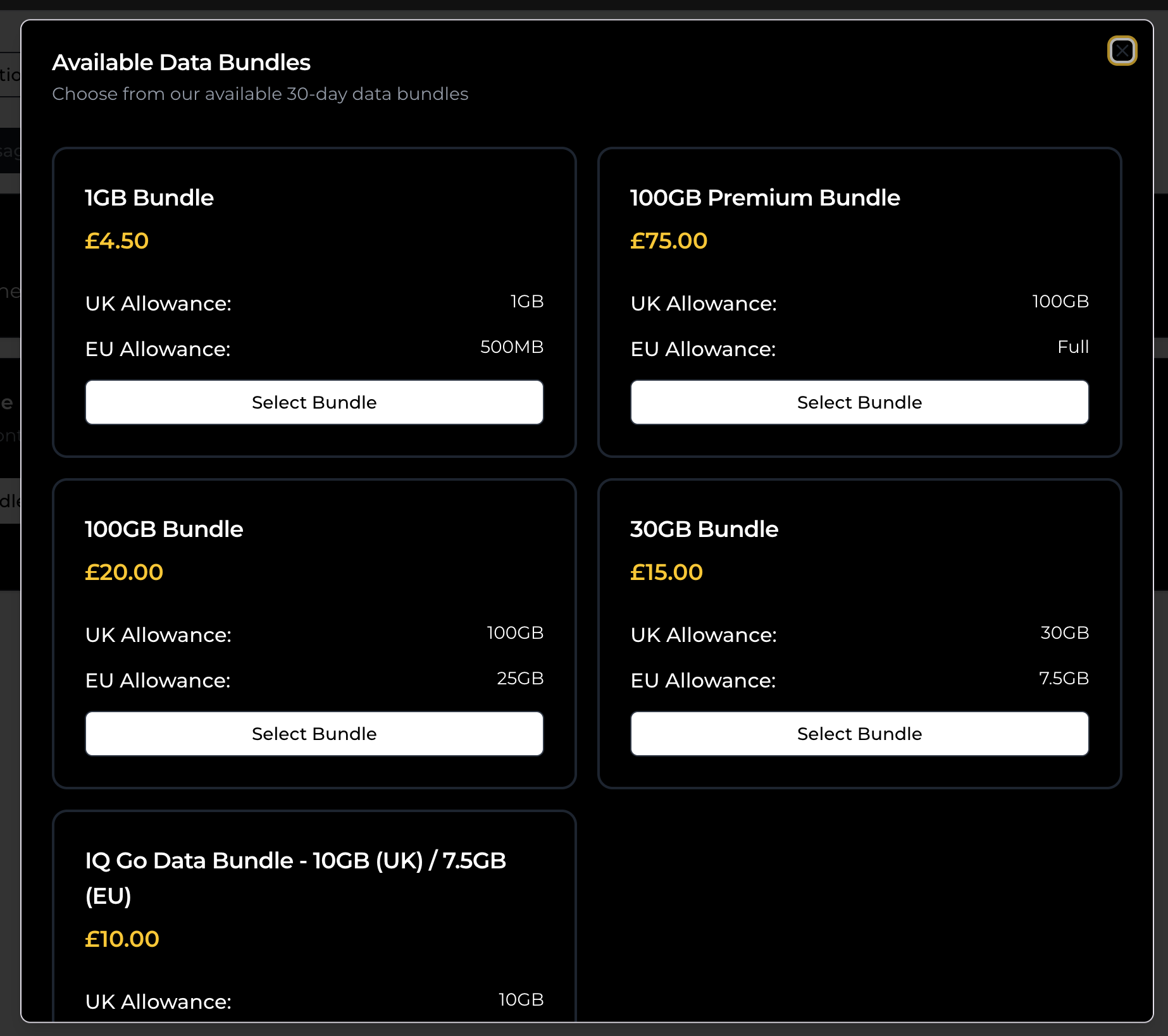
If you don't yet have a 30 day bundle applied, then you can purchase a new 30 day bundle from the tab:
Available bundles will appear in a list for. you to select from:
If you already have a 30 day bundle applied, then add-ons will become available for purchase instead:
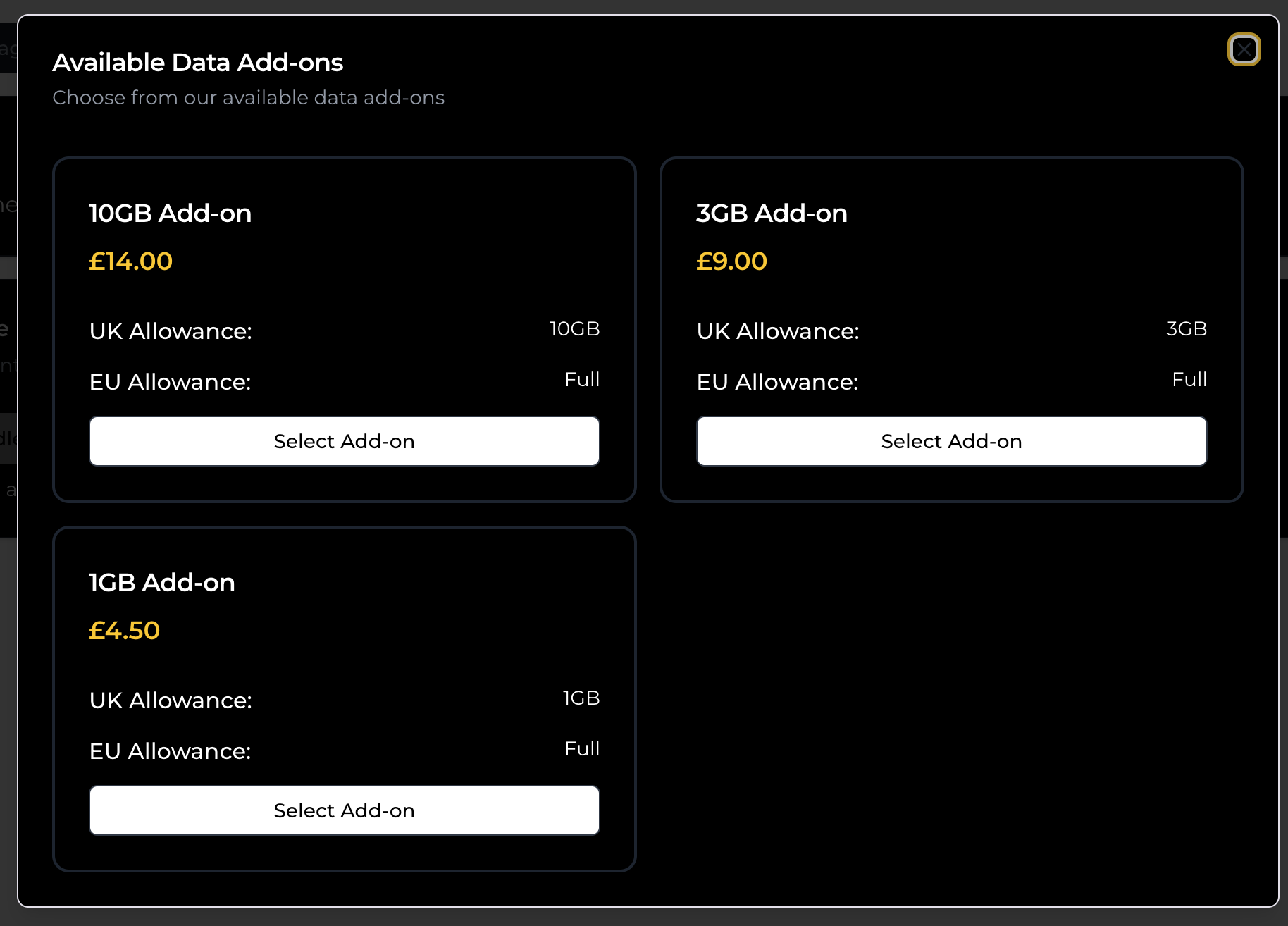
When you've selected a bundle/add-on, you'll be taken to a checkout form:
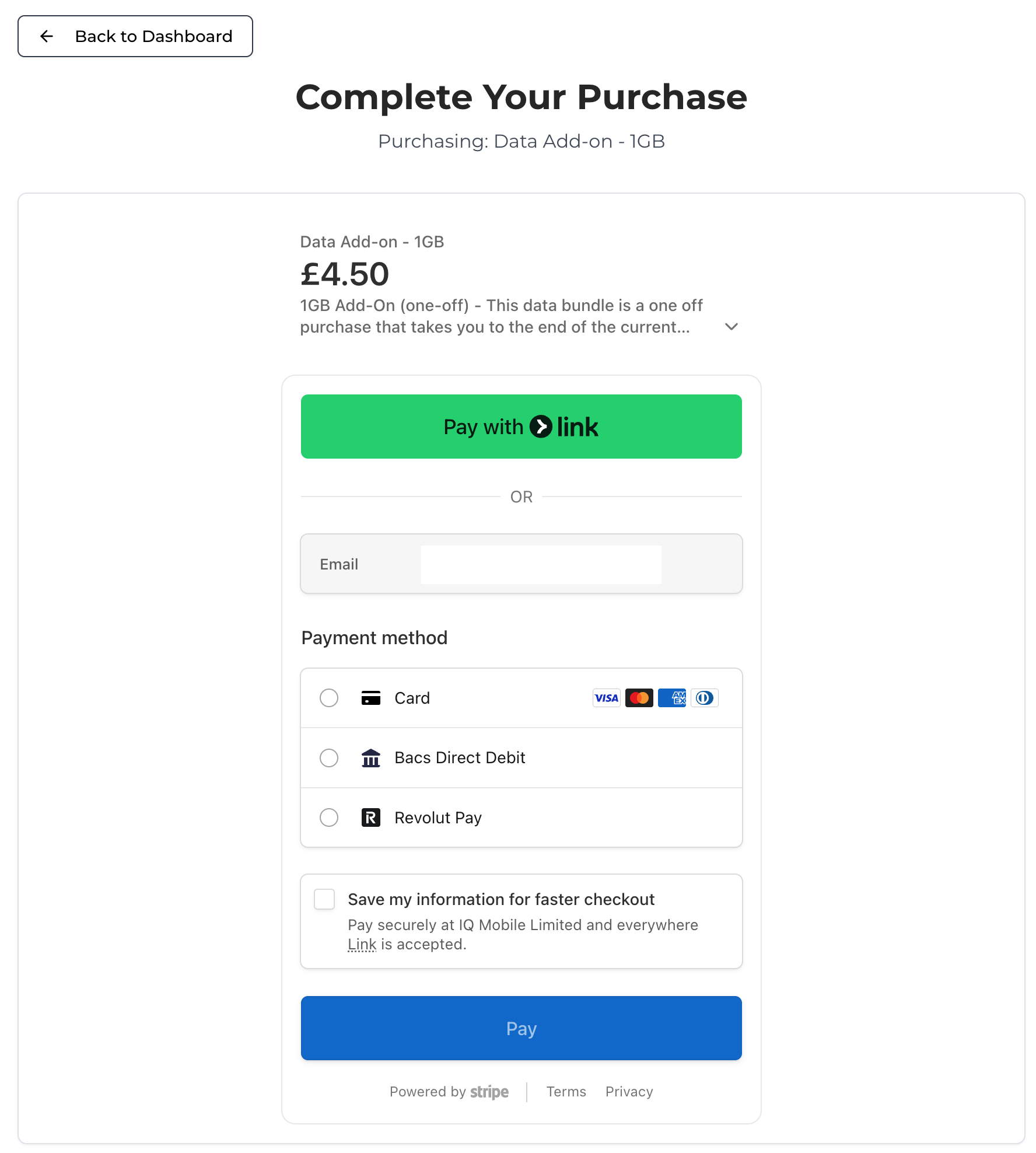
Once the purchase is complete, your data will be applied automatically within 15 minutes.
Checking Data Usage
From the My SIMs page, select the SIM you'd like to check the data usage of:
Select the Data Usage from along the top:
Your current active bundle, as well as active add-ons, will be displayed below, including info about expiry dates and total allowances. This info can be updated using the Refresh button at the top:
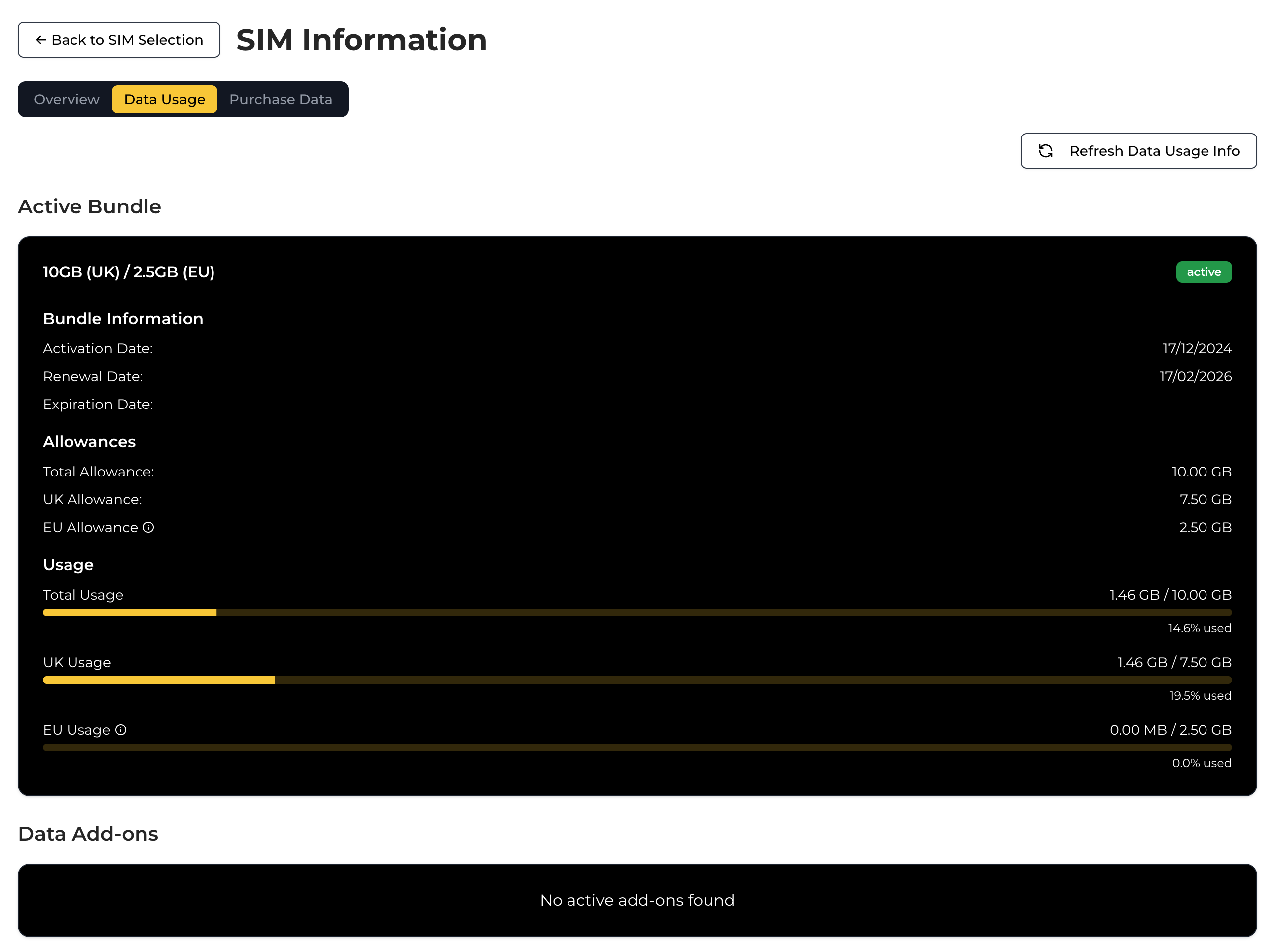
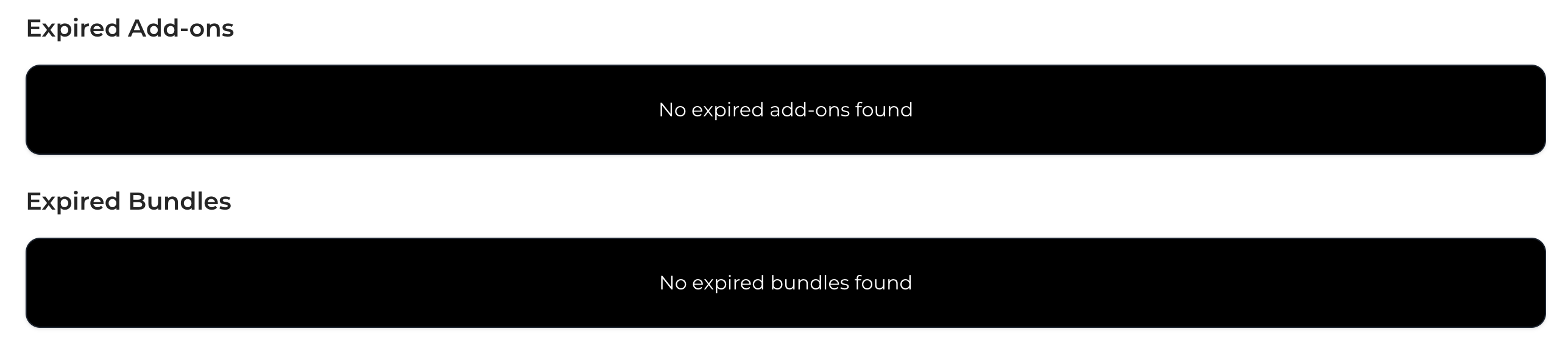
If you scroll to the bottom of the page, you'll also be able to see expired bundles and add-ons from the last 3 months: